Your clipboard, remembered privately.
ClipB is a local-first desktop clipboard manager that keeps your copied text, links, code snippets, screenshots, images, and files organized in a fast searchable timeline.
Direct DMG download for Apple Silicon and Intel Macs. Apple Silicon-only build is available below.
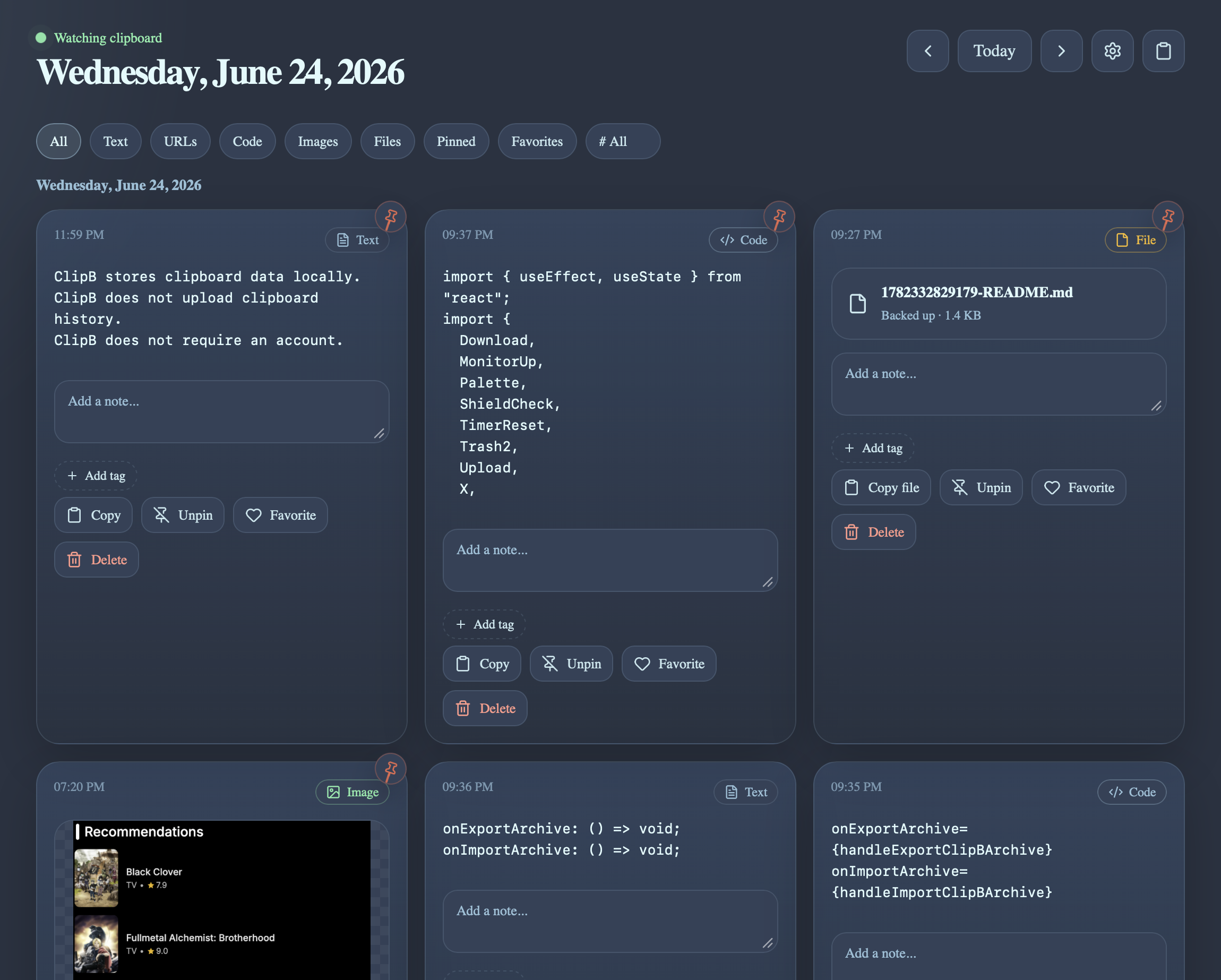
Stop losing things you copied five minutes ago.
Most clipboard managers show one long list. ClipB organizes your copied history by time, so you can quickly find what you copied today, last week, or during a project session.
Search your history
Find any clip by content, type, or tag in milliseconds.
Browse by time
Switch between day, week, month, and year views.
Copy old clips back
One click — or one keystroke — and it's back on your clipboard.
Built for everything you copy.
Timeline clipboard history
Browse copied items through day, week, month, and year views.
Text, links, and code
ClipB automatically detects URLs and code snippets.
Images and screenshots
Save screenshots and copied image files with preview cards.
File path and file backup support
Save copied file paths, and optionally back up copied files locally.
Tags, notes, pins, and favorites
Organize important clips without turning your clipboard into a mess.
Quick-copy popup
Use a shortcut to search recent clips and copy them back fast.
Private mode and pause timer
Stop clipboard tracking temporarily whenever you need privacy.
Sensitive clip filters
Skip likely passwords, API keys, tokens, and ignored apps.
.clipb archive backup
Export and import rich clipboard history, including tags and assets.
A clipboard manager that feels like a real desktop utility.
Timeline view
Your full clipboard history grouped by day, week, month, year.
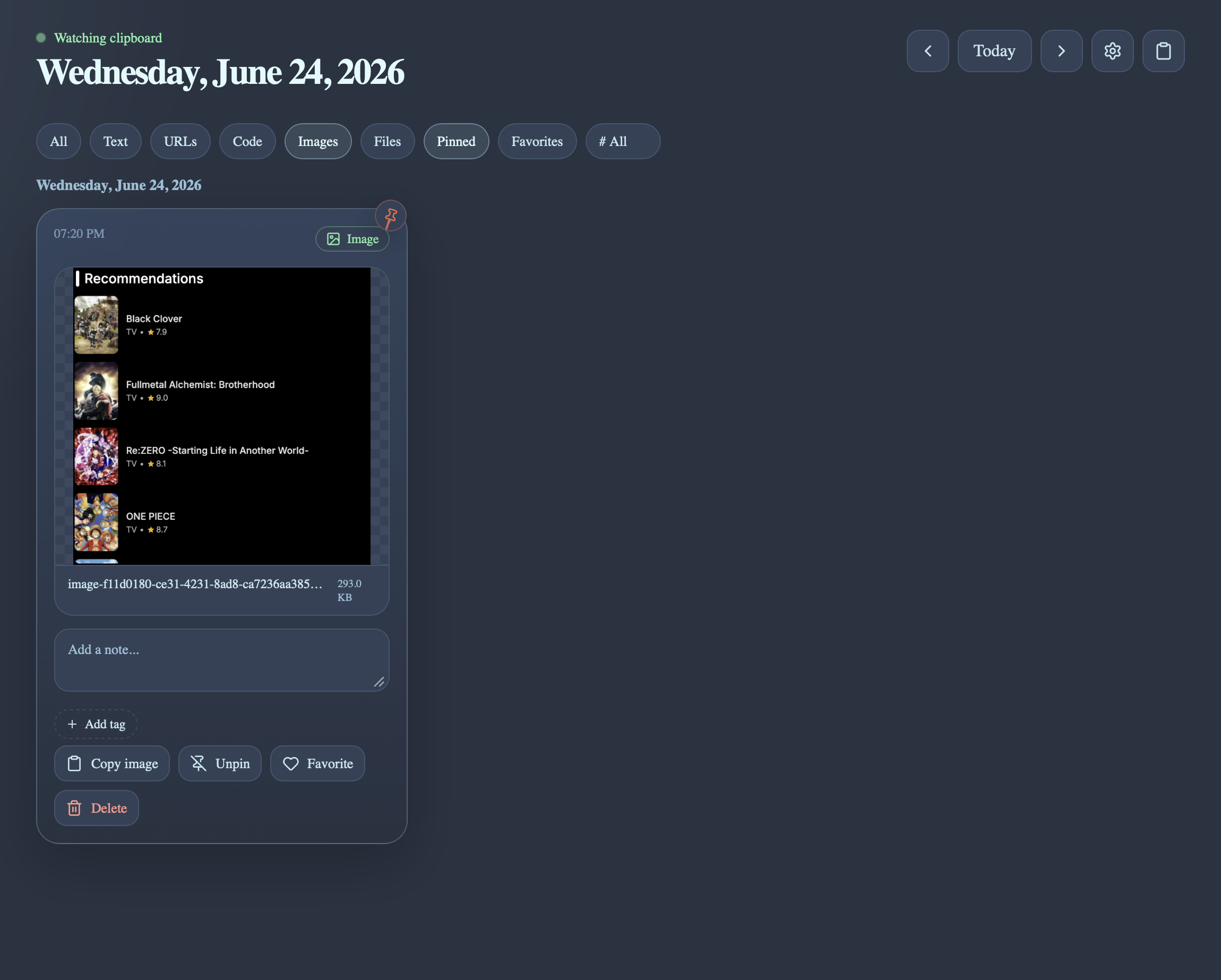
Rich clipboard support
Text, links, code, images, and files — all first-class.
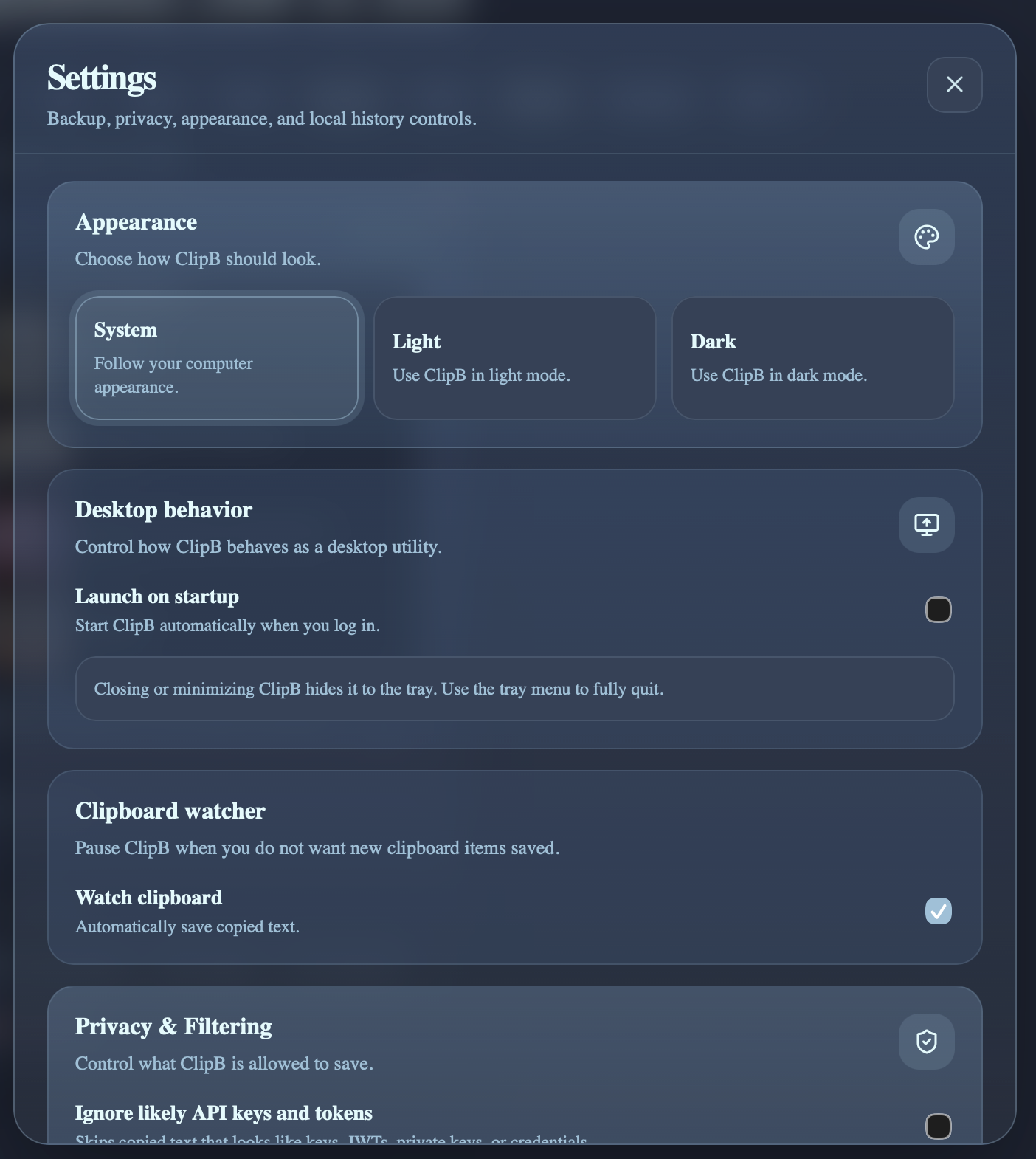
Settings and privacy
Tune capture rules, filters, and backups.
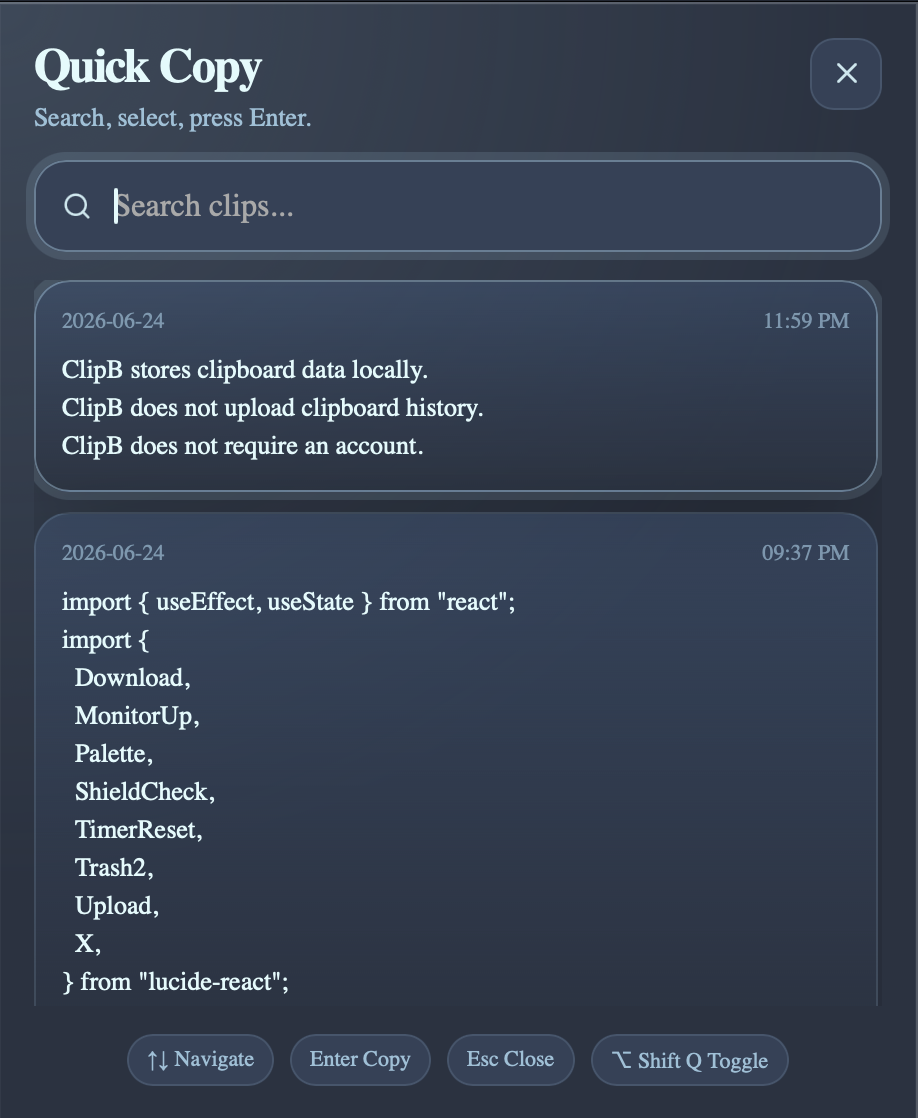
Quick copy window
A keystroke away from your last clips.
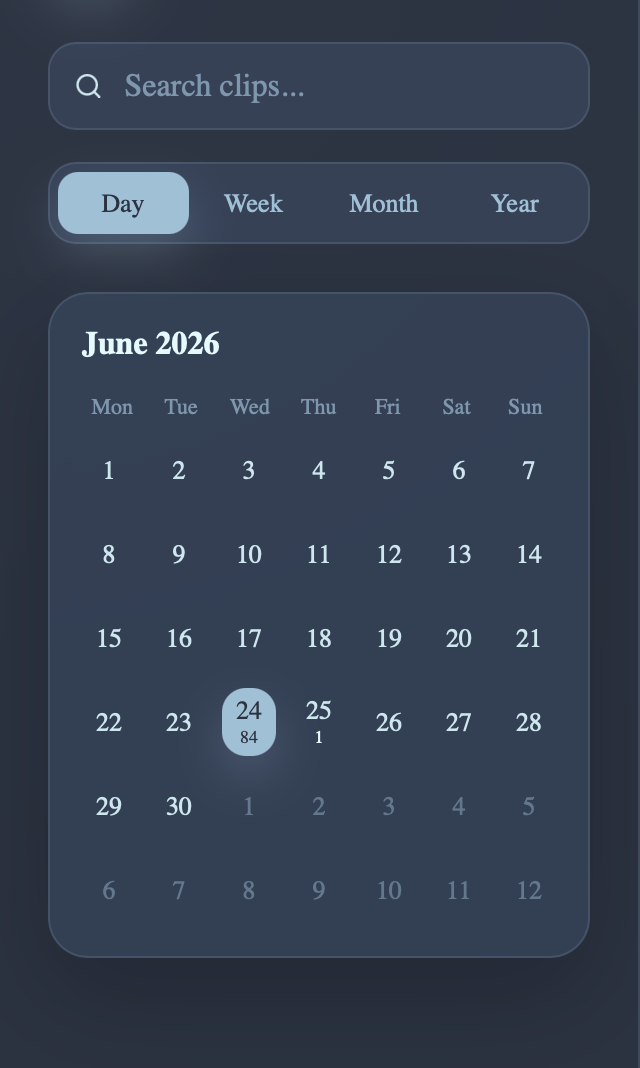
Calendar sidebar
Jump to any day in your clipboard timeline.
Private by design. Local by default.
ClipB stores clipboard history on your device using SQLite. Images and backed-up files are stored locally in the app data folder. ClipB does not require an account, does not upload clipboard data, and does not include cloud sync by default.
- Clipboard data stays on your device
- No account required
- No telemetry by default
- No ads
- No cloud sync by default
- Export and delete your data anytime
- Privacy filters run locally before clips are saved
Open source and built in public.
ClipB is licensed under AGPL-3.0-or-later. The goal is to keep the desktop app open, private, and community-friendly while protecting it from closed-source rebrands.
Download ClipB
The v0.6.0 beta now includes a Universal macOS build for Apple Silicon and Intel Macs.
Universal macOS
This build is currently unsigned and not notarized. macOS may show a warning when opening the app. Signed and notarized builds are planned for a future release.
macOS Apple Silicon
Smaller ARM64-only DMG for Apple Silicon Macs.
Windows
Coming later
Linux
Coming later
What's next
- 01Signed macOS builds
- 02Windows and Linux builds
- 03Optional encrypted cloud sync in the future
- 04OCR for copied images
- 05Smarter search